Steal a Superpower Events: Schedule, ADMIN ABUSE EVENT and Past Events
Which official events does the Steal a Superpower! Roblox group list, and where can you see the schedule? How the event listing is organized, plus the recent events on record.
Quick answer
The Steal a Superpower! Roblox group posts its official events on the group's event listing, which is organized into three sections: Upcoming events, Announcements, and Past events. The upcoming event on the listing is the ADMIN ABUSE EVENT (“Admins take over!”), scheduled for a Sunday at 9 PM UTC and running for 1 hour.
- Upcoming events — what the group has scheduled next, with how soon it starts, the day and start time, and the duration
- Announcements — the group's announcements, saved as they appear
- Past events — events already held, with date, duration, and a Launch tag when applicable
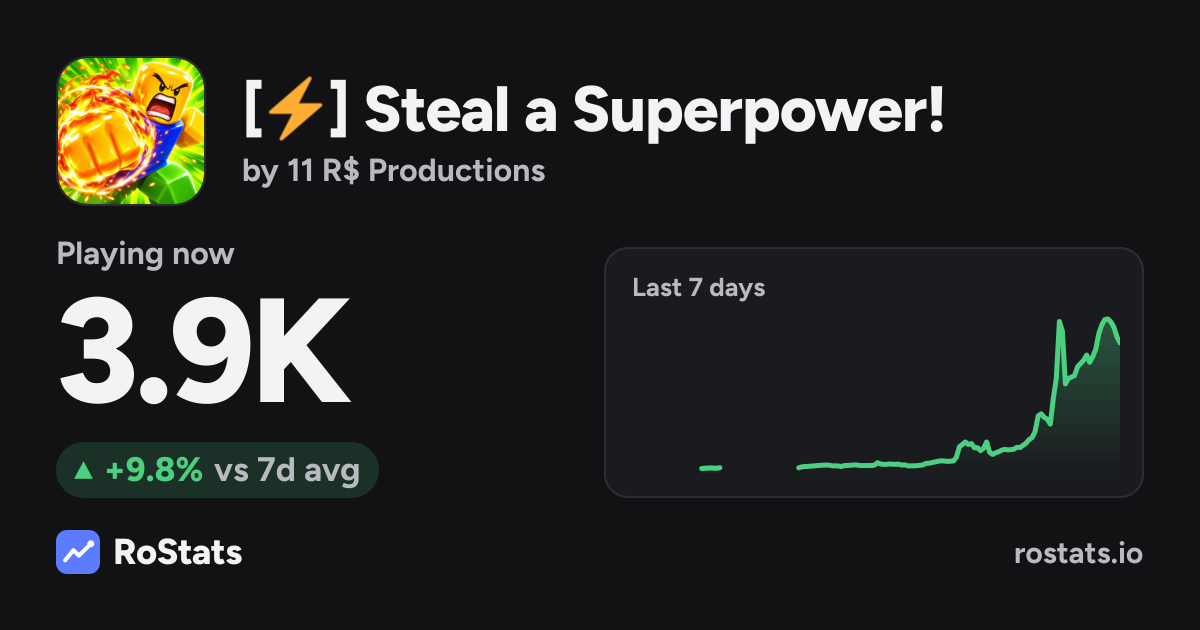
Timing on any event entry is relative: the snapshot behind this article caught the admin abuse event “starting in 4 days,” which only means four days from the moment that page was captured. Treat the live listing as the source of truth for dates, and use the structure below to read the schedule quickly.
Where to see the current event schedule
The group's event listing is where the Steal a Superpower! team publishes its official events. The view behind this article comes from RoStats, a tracker that mirrors the group's Roblox events, and it lays the schedule out in three sections:
- Upcoming events — events the group has scheduled, each shown with a countdown to the start, the day and start time in UTC, and the runtime.
- Announcements — the group's announcements saved as they appear, because Roblox itself only displays a community's latest announcement. The tracker's header for this section also notes player counts in the 24 hours after each announcement.
- Past events — events that have already been held, listed with date, duration, and a Launch tag when one applies. The tracker frames this section with player counts during each event versus the week before.
To check the schedule, read the listing top to bottom: Upcoming events tells you what is next and exactly when (verify the date on the page itself, since countdowns are relative), Announcements catches you up on what the group has posted, and Past events shows the recent event record.
The upcoming event: ADMIN ABUSE EVENT
The captured listing has one upcoming event: the ADMIN ABUSE EVENT, described by the group as “Admins take over!”. Its entry showed a start 4 days out, on a Sunday at 9 PM UTC, running for 1 hour.
Because “starts in 4 days” is measured from the capture moment, don't plan around that gap directly — open the listing and use the countdown and date shown there before you set aside time.
The group has run this event type before: the past-events record includes two earlier ADMIN ABUSE EVENTs. For a closer look at the event itself, see our dedicated admin abuse event guide.
Past events on the record
The Past events section, as captured, listed these recent events:
| Event | Date | Duration | Tag |
|---|---|---|---|
| WORLD 2 | Nov 2 | 1 hour | Launch |
| ADMIN ABUSE EVENT | Nov 1 | 1 hour | Launch |
| ADMIN ABUSE EVENT | Oct 25 | 1 hour | — |
Three details help you read that list correctly:
- Dates carry no year. The listing shows month and day only, so line entries up with the current calendar when you check the page.
- The tag has no defined meaning on the listing. The listing shows a Launch tag next to the WORLD 2 event and the November 1 admin abuse event, while the October 25 admin abuse event has no tag — the listing itself never explains what Launch marks.
- The record starts on Sep 26, 2026. The tracker's saved history begins on that date, so the list covers recent history rather than every event the group has ever run.
Watching for the next event
New events show up in the Upcoming events section of the listing with their day, UTC start time, and length. If you want context on how the game is changing between events, our updates page follows the latest content changes.